UI / UX Design
Figma Design Lesson for Kids
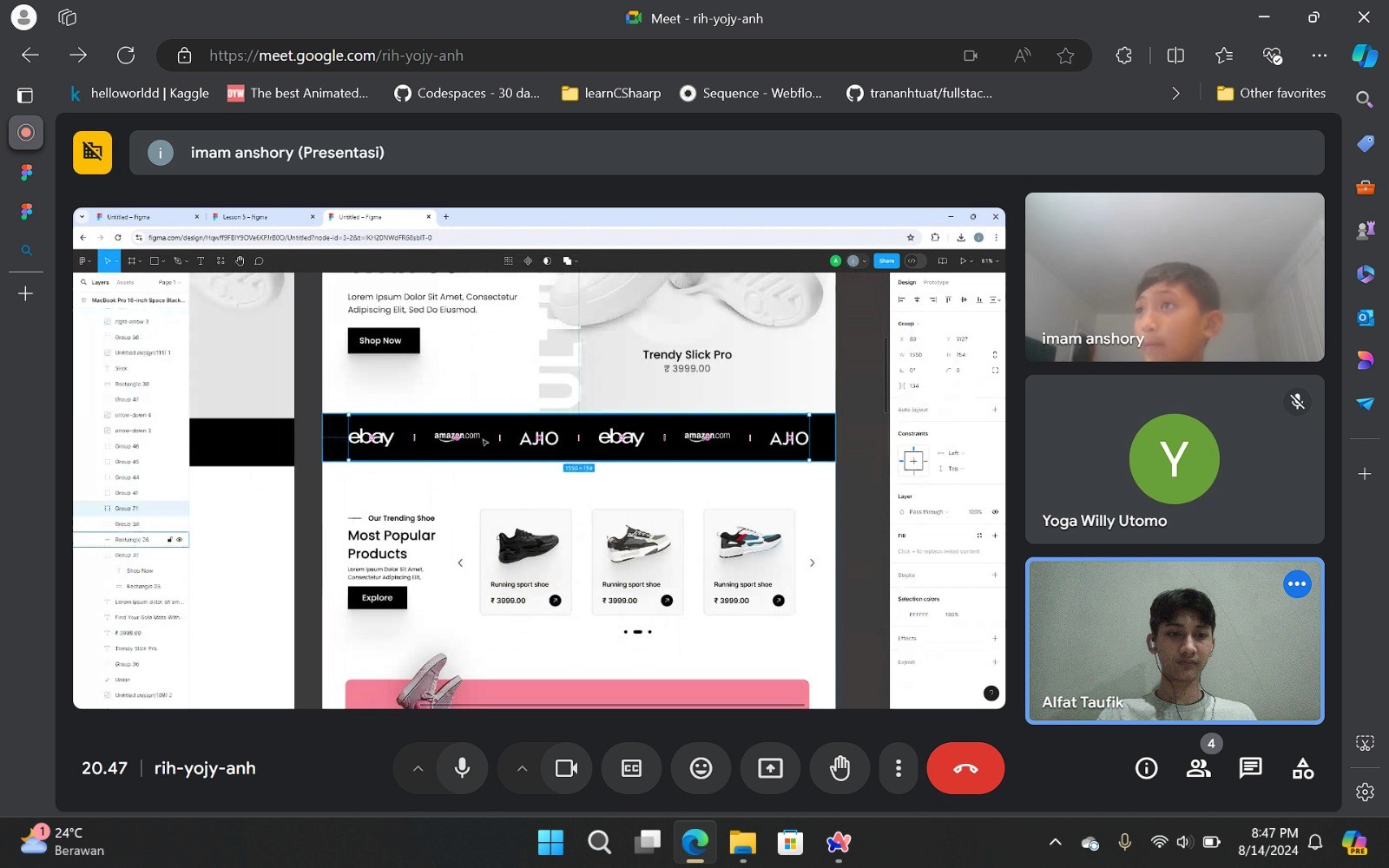
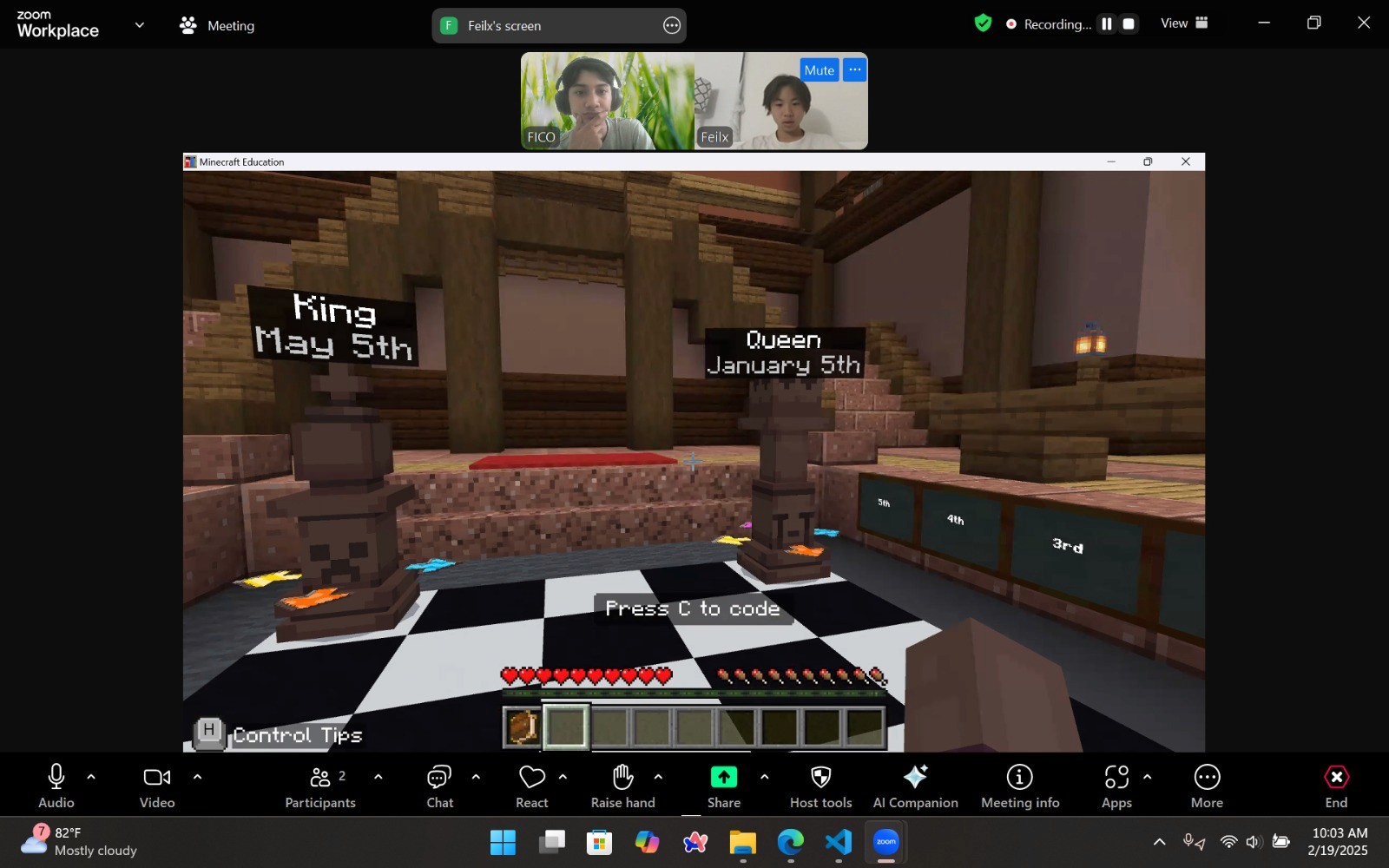
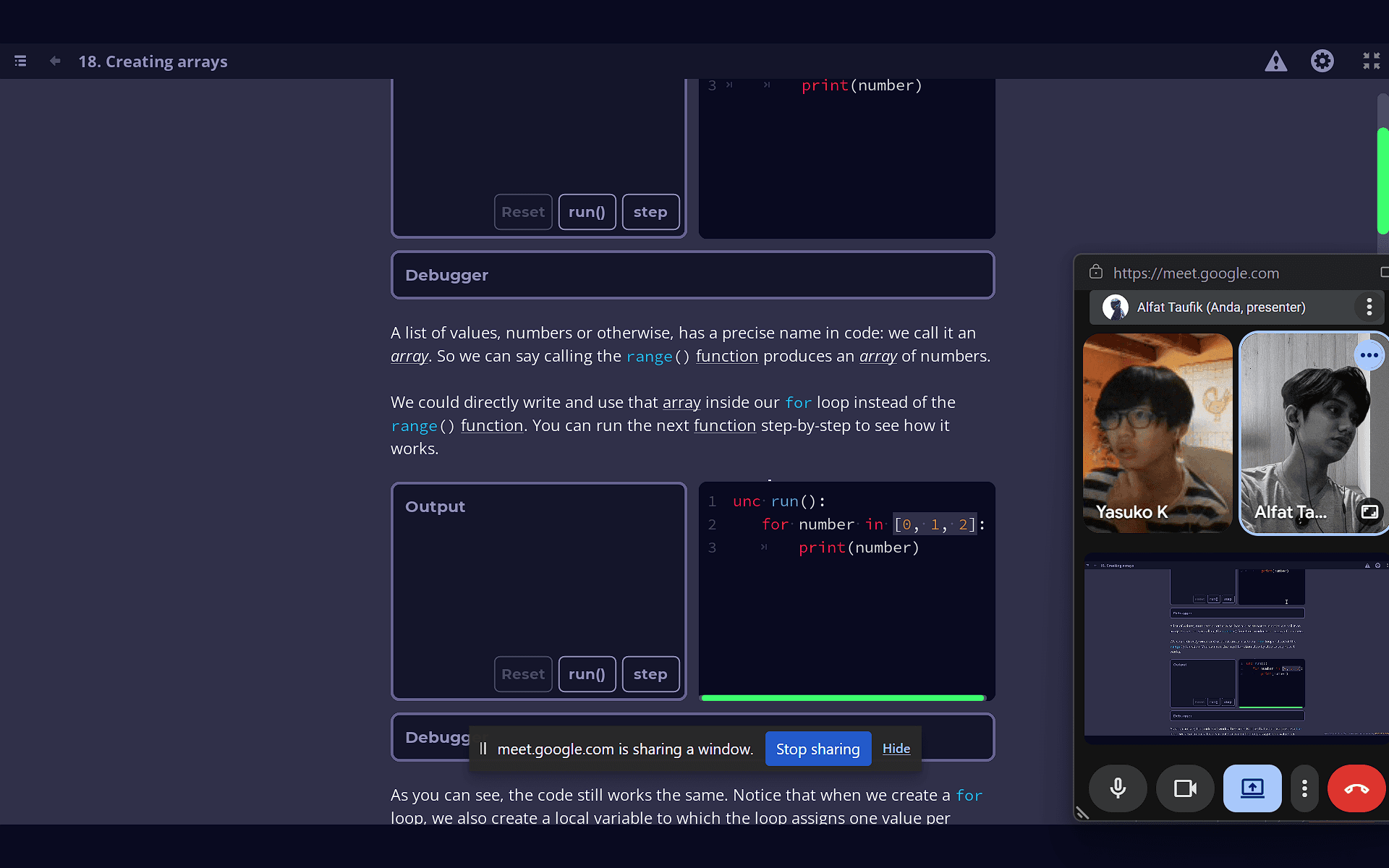
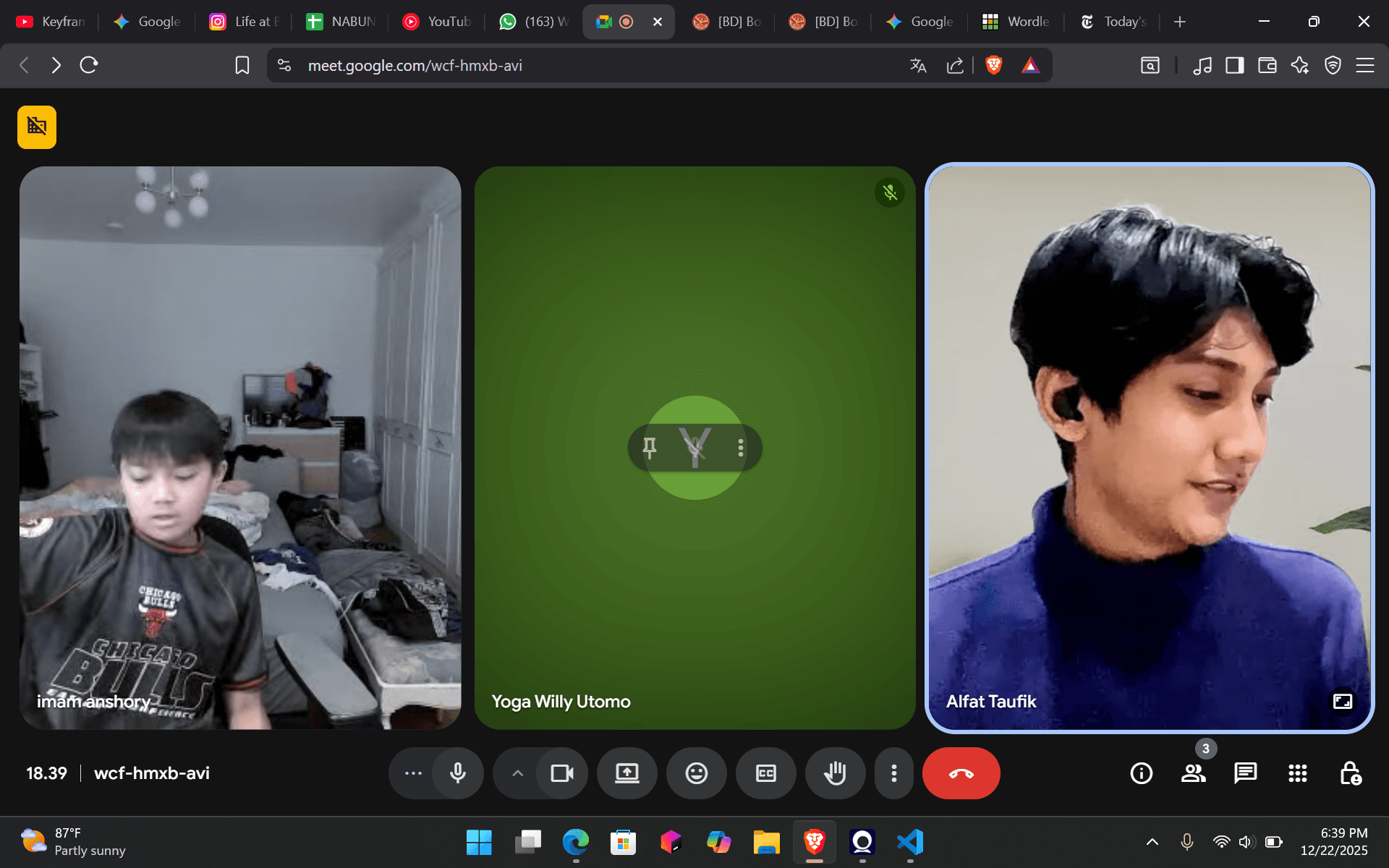
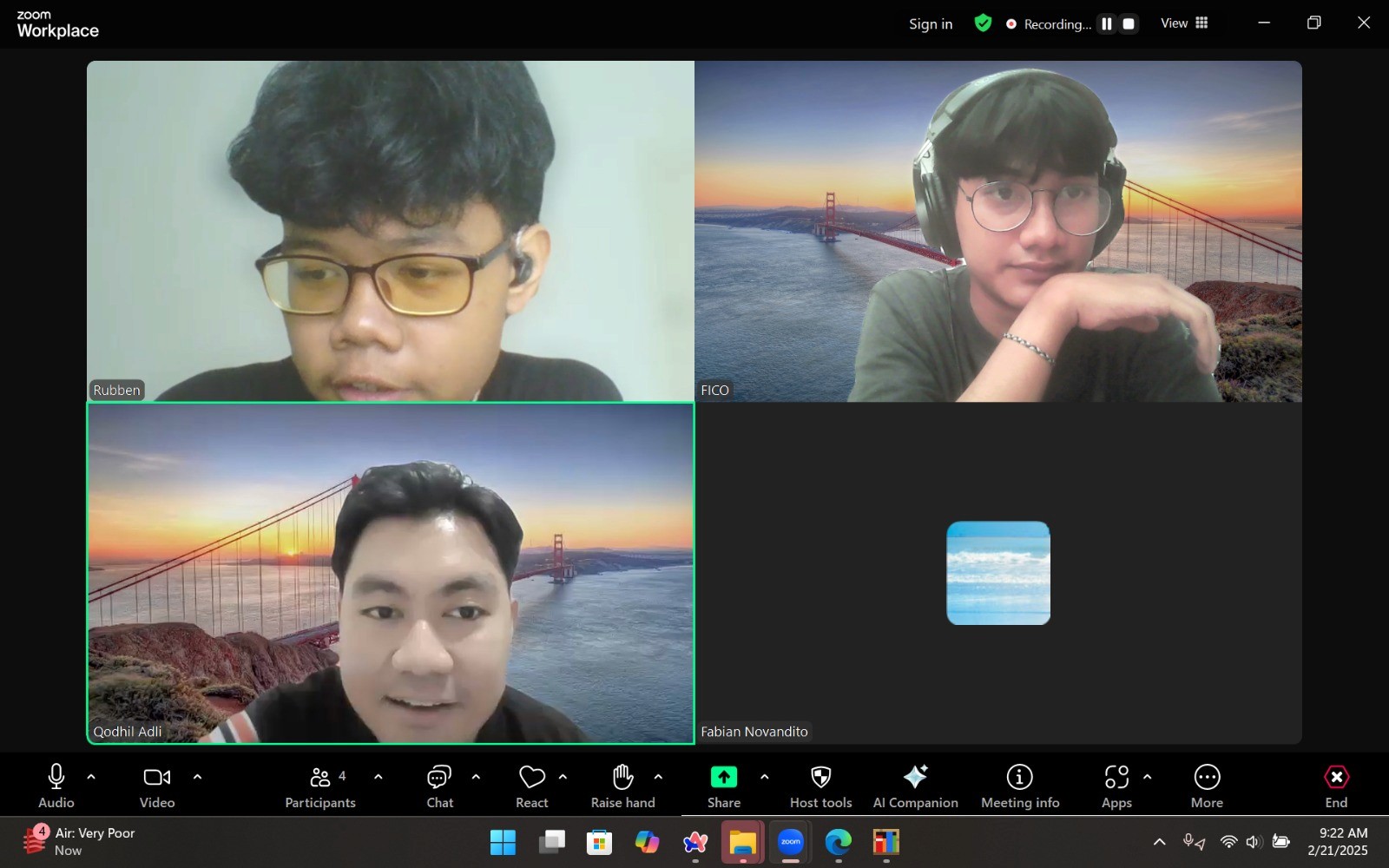
A specialized mentorship program designed to introduce young learners to the world of UI/UX design using Figma. I guided students through the fundamentals of digital product design—from understanding layouts and color theory to creating interactive prototypes. This project focuses on empowering kids to visualize their ideas and understand how the apps and websites they use every day are actually built.
Year :
2025
Industry :
Design
Client :
Calief Anshori
Project Duration :
Weekly
Problem :
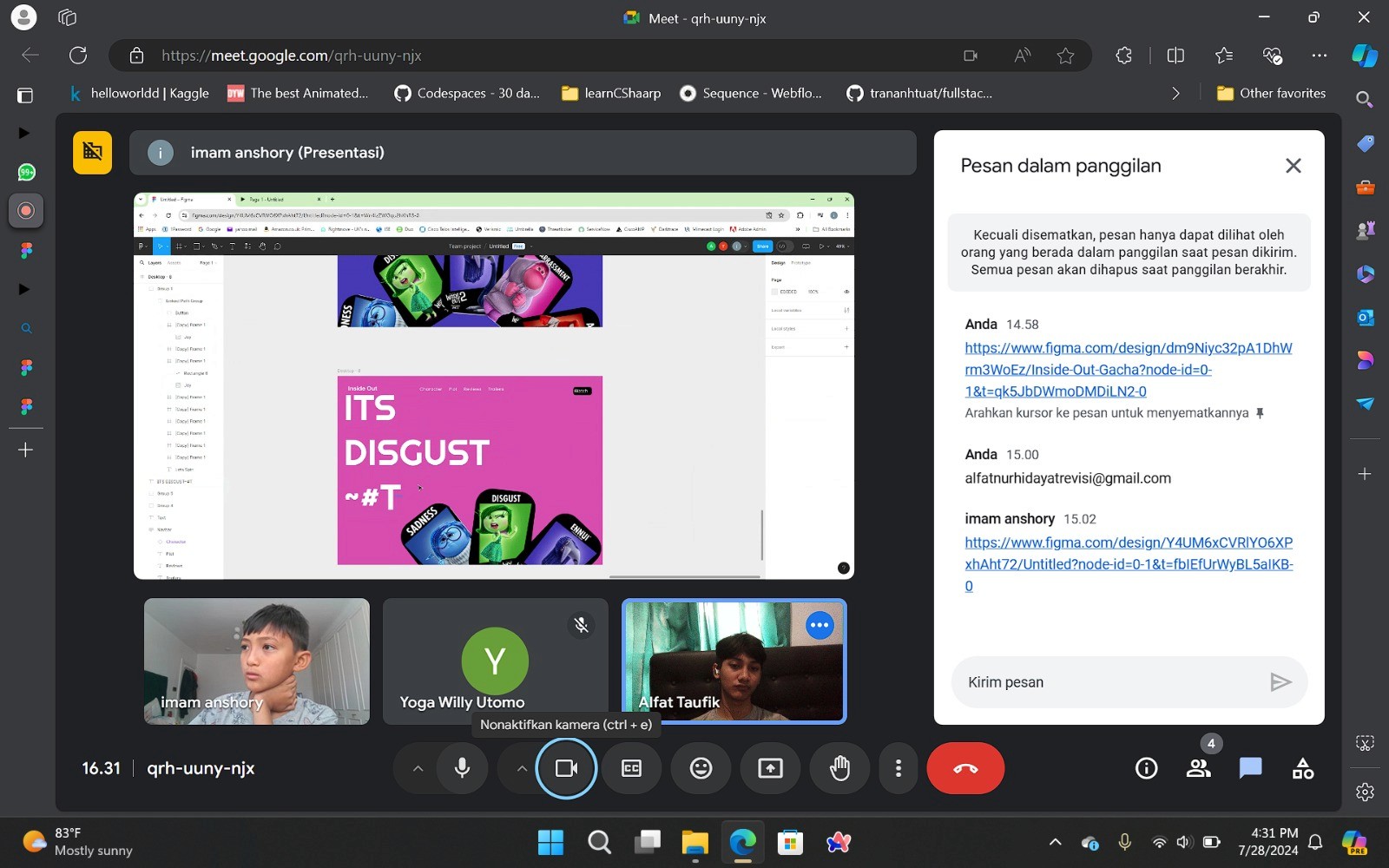
UI/UX design tools like Figma are often perceived as 'professional-only' software with a steep learning curve. Most design tutorials are catered toward adults, leaving a gap for younger creatives who have the imagination but lack a simplified, structured way to learn the technical aspects of design, such as grids, components, and prototyping.
Solution :
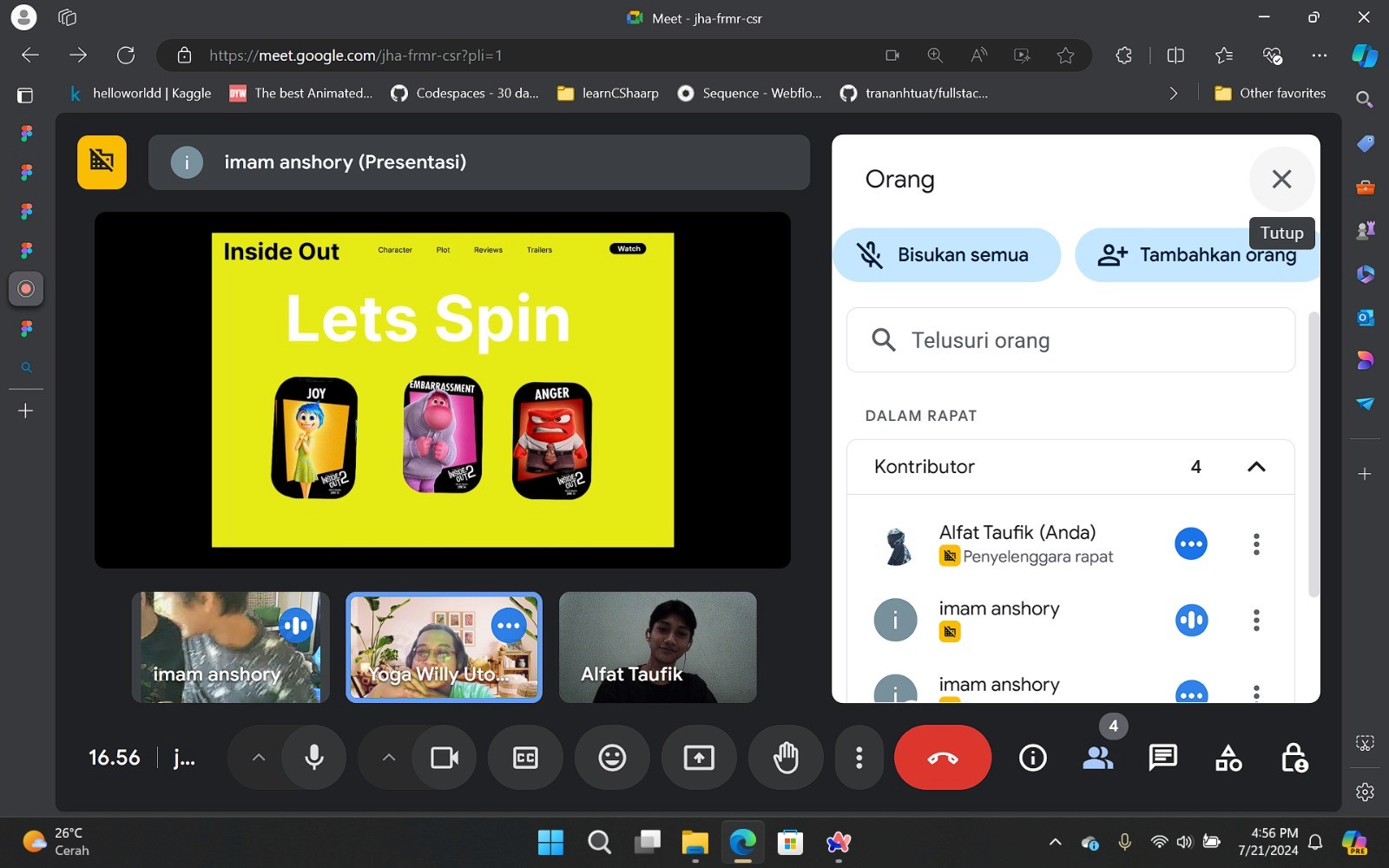
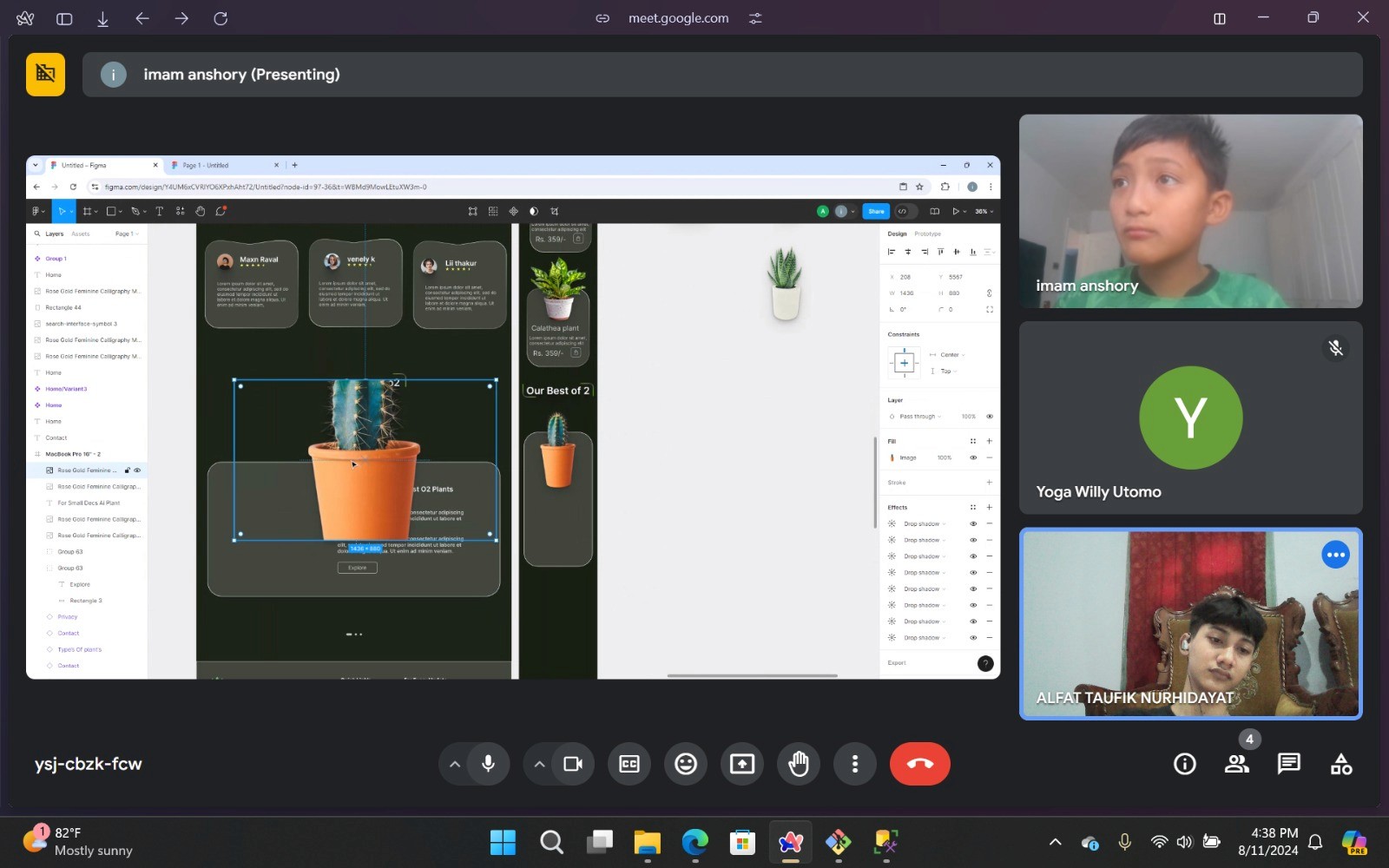
I translated professional design workflows into a simplified, gamified curriculum. By using project-based learning—such as 'Design Your Own App' or 'Create a Game UI'—I taught students how to use Figma’s core features like Auto Layout, Components, and Prototyping. This approach allowed them to see immediate results, turning abstract design principles into tangible, interactive digital interfaces.
Challenge :
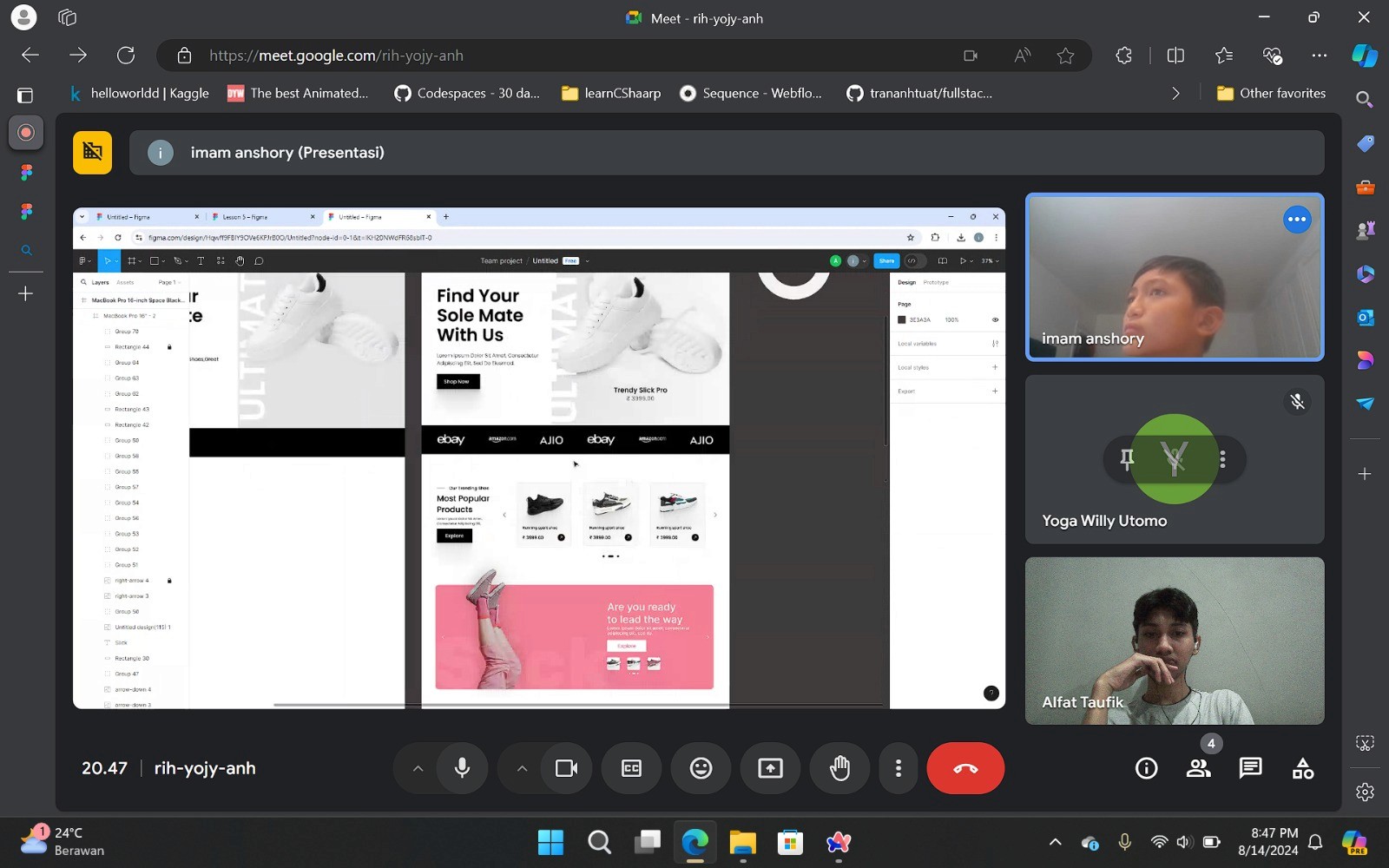
The primary challenge was explaining the 'Why' behind design, not just the 'How.' Teaching a child how to draw a rectangle is easy, but explaining User-Centered Design and Accessibility requires creative analogies. I had to simplify professional terminology (like 'Constraints' or 'Hierarchy') into relatable concepts, ensuring the students understood that design is about solving problems, not just making things look pretty.
Summary :
This project highlights my ability to break down complex design systems into educational content. It showcases my mastery of Figma and my skill in communicating UI/UX principles to a non-technical audience. The result was a series of impressive student-led design portfolios, proving that with the right mentorship, kids can master the same tools used by professional designers at Google and Spotify.
More Projects
UI / UX Design
Figma Design Lesson for Kids
A specialized mentorship program designed to introduce young learners to the world of UI/UX design using Figma. I guided students through the fundamentals of digital product design—from understanding layouts and color theory to creating interactive prototypes. This project focuses on empowering kids to visualize their ideas and understand how the apps and websites they use every day are actually built.
Year :
2025
Industry :
Design
Client :
Calief Anshori
Project Duration :
Weekly
Problem :
UI/UX design tools like Figma are often perceived as 'professional-only' software with a steep learning curve. Most design tutorials are catered toward adults, leaving a gap for younger creatives who have the imagination but lack a simplified, structured way to learn the technical aspects of design, such as grids, components, and prototyping.
Solution :
I translated professional design workflows into a simplified, gamified curriculum. By using project-based learning—such as 'Design Your Own App' or 'Create a Game UI'—I taught students how to use Figma’s core features like Auto Layout, Components, and Prototyping. This approach allowed them to see immediate results, turning abstract design principles into tangible, interactive digital interfaces.
Challenge :
The primary challenge was explaining the 'Why' behind design, not just the 'How.' Teaching a child how to draw a rectangle is easy, but explaining User-Centered Design and Accessibility requires creative analogies. I had to simplify professional terminology (like 'Constraints' or 'Hierarchy') into relatable concepts, ensuring the students understood that design is about solving problems, not just making things look pretty.
Summary :
This project highlights my ability to break down complex design systems into educational content. It showcases my mastery of Figma and my skill in communicating UI/UX principles to a non-technical audience. The result was a series of impressive student-led design portfolios, proving that with the right mentorship, kids can master the same tools used by professional designers at Google and Spotify.
More Projects
UI / UX Design
Figma Design Lesson for Kids
A specialized mentorship program designed to introduce young learners to the world of UI/UX design using Figma. I guided students through the fundamentals of digital product design—from understanding layouts and color theory to creating interactive prototypes. This project focuses on empowering kids to visualize their ideas and understand how the apps and websites they use every day are actually built.
Year :
2025
Industry :
Design
Client :
Calief Anshori
Project Duration :
Weekly
Problem :
UI/UX design tools like Figma are often perceived as 'professional-only' software with a steep learning curve. Most design tutorials are catered toward adults, leaving a gap for younger creatives who have the imagination but lack a simplified, structured way to learn the technical aspects of design, such as grids, components, and prototyping.
Solution :
I translated professional design workflows into a simplified, gamified curriculum. By using project-based learning—such as 'Design Your Own App' or 'Create a Game UI'—I taught students how to use Figma’s core features like Auto Layout, Components, and Prototyping. This approach allowed them to see immediate results, turning abstract design principles into tangible, interactive digital interfaces.
Challenge :
The primary challenge was explaining the 'Why' behind design, not just the 'How.' Teaching a child how to draw a rectangle is easy, but explaining User-Centered Design and Accessibility requires creative analogies. I had to simplify professional terminology (like 'Constraints' or 'Hierarchy') into relatable concepts, ensuring the students understood that design is about solving problems, not just making things look pretty.
Summary :
This project highlights my ability to break down complex design systems into educational content. It showcases my mastery of Figma and my skill in communicating UI/UX principles to a non-technical audience. The result was a series of impressive student-led design portfolios, proving that with the right mentorship, kids can master the same tools used by professional designers at Google and Spotify.